On-demand compute, built in
Compute machines are started automatically per demand when a simulation run is in progress or a Virtual Desktop is requested, and shut down when inactive – so teams pay only for what they use, with no manual provisioning.

High-performance compute on demand, accessed from the same tNavigator app you already use – no separate installs, portals or licenses.
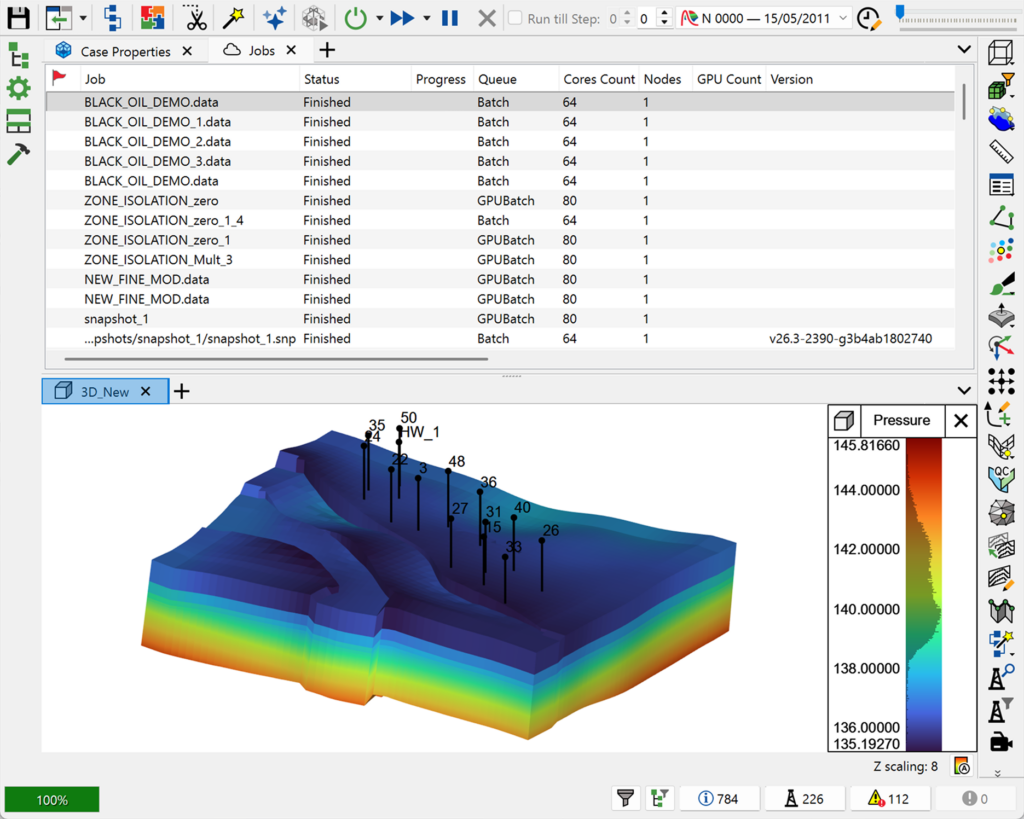
tNavigator Cloud extends the platform with on-demand, high-performance compute: rent cloud compute machines on a short-term basis to run jobs faster while keeping costs low. Cloud services are accessed from the same tNavigator desktop app used for on-premises clusters, started automatically when a simulation run or Virtual Desktop is requested, and shut down again when inactive.
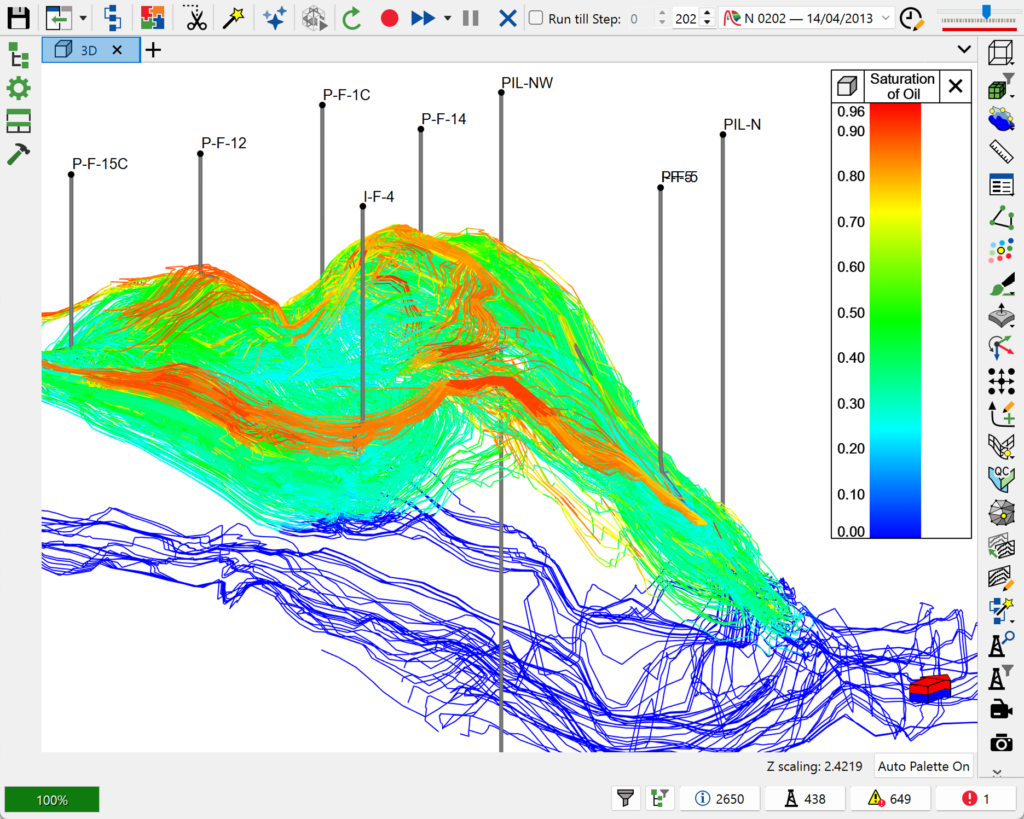
Unlike bolt-on cloud add-ons, there is no separate application to install, no separate webpage to sign into, and no separate license module for cloud features – everything is built into the standard tNavigator graphical interface, and works the same way whether you’re using your own cluster, a cloud-hosted one, or spare workstations on the same network.
Compute machines are started automatically per demand when a simulation run is in progress or a Virtual Desktop is requested, and shut down when inactive – so teams pay only for what they use, with no manual provisioning.
No separate app installation, sign-in webpage, or license module: cloud tools such as the Remote GUI, Cloud File Manager and Virtual Desktop live inside the same tNavigator interface used for on-premises clusters.
Choose a Hosted Managed Service (RFD hosts and manages the entire infrastructure end-to-end) or a Remote Managed Service (you host the infrastructure; RFD manages the cluster) – plus custom integration options such as Active Directory/LDAP, alternative storage backends, and custom job scheduling.