Skip to content

Production Designer

Integrated Modelling for Multi-Project Field Development

Combine MBA, Model Designer, Network Designer and external simulation models into one integrated project, managed by a surface network.

Combine Multiple Models into One Integrated Development Project

tNavigator’s Production Designer is integrated modelling software for creating integrated models and Reservoir Coupling models under surface network control. It brings Material Balance Analyser, Model Designer and Network Designer projects – along with external simulation models – into a single integrated Production Designer model, with every model element and setting accessible from one object tree.

Built for Large, Multi-Model, Multi-Team Assets

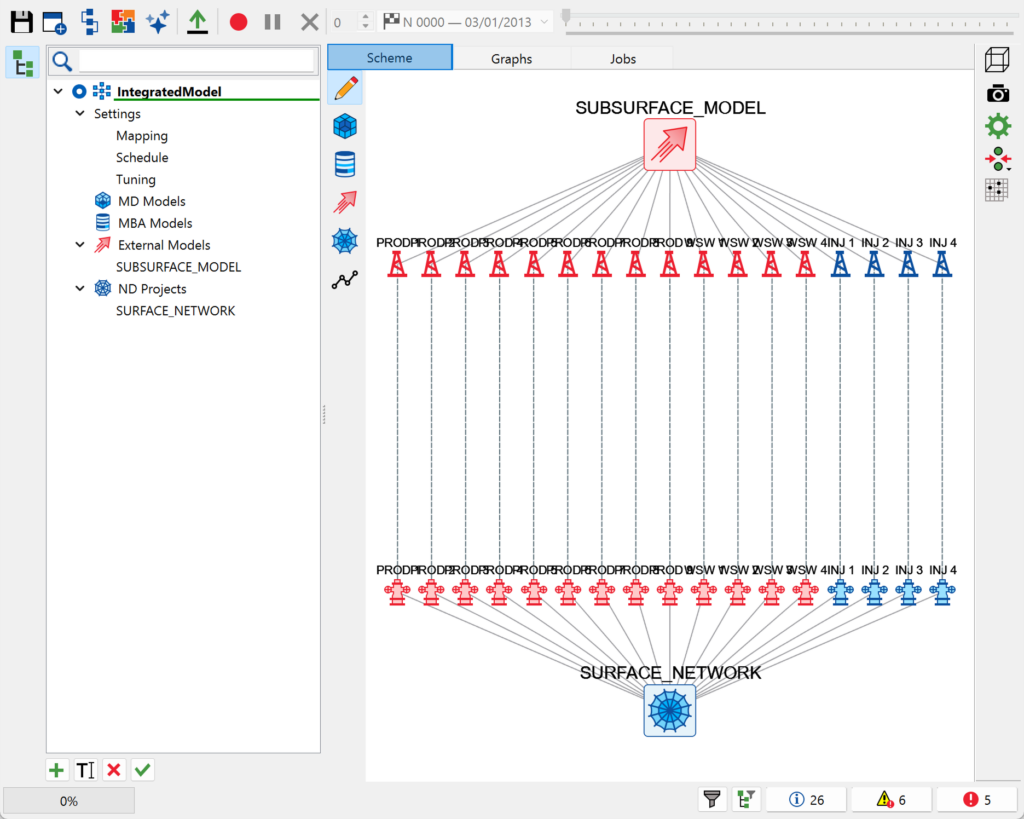
Where a development spans several models — built in different tools, by different teams, at different times – Production Designer’s specialised graphical interface makes it straightforward to combine them into one integrated project, establish links between them, and manage the result at scale, even with large amounts of data.


One Object Tree, Every Model Element

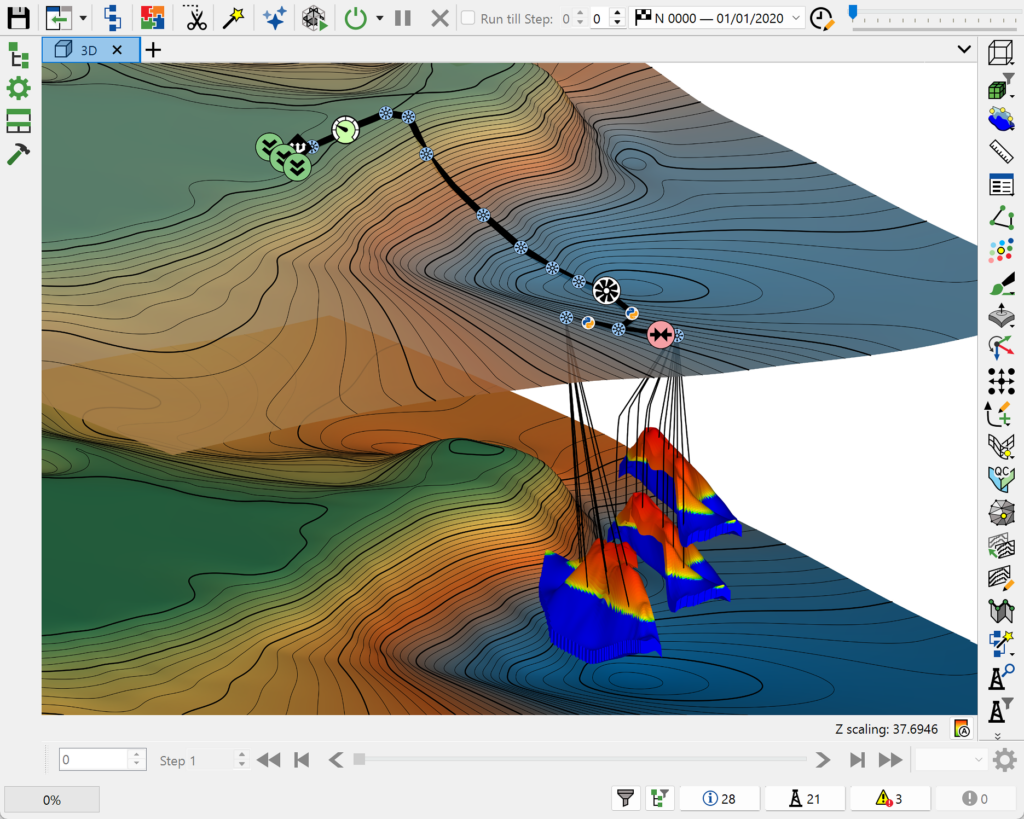
Work with every element and setting from every combined model in a single object tree, instead of switching between separate projects and interfaces.

Well Mapping That Handles Real-World Data

Automatically map wells with matching names across projects, or link wells with different naming conventions by hand — including bulk edits pasted straight from an Excel spreadsheet.

Run, Monitor and Analyse in One Place

Queue integrated model calculations on local machines or a cluster, track progress from the Jobs tab, and visualise results on the Graphs tab — all without leaving Production Designer.
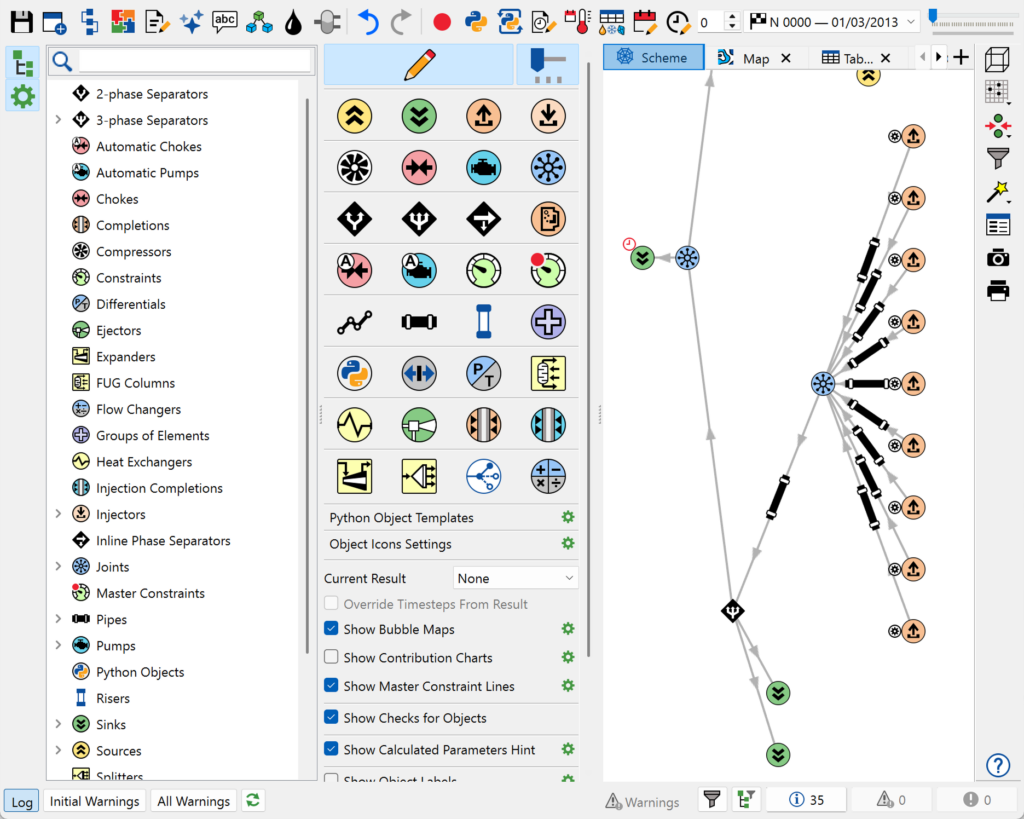
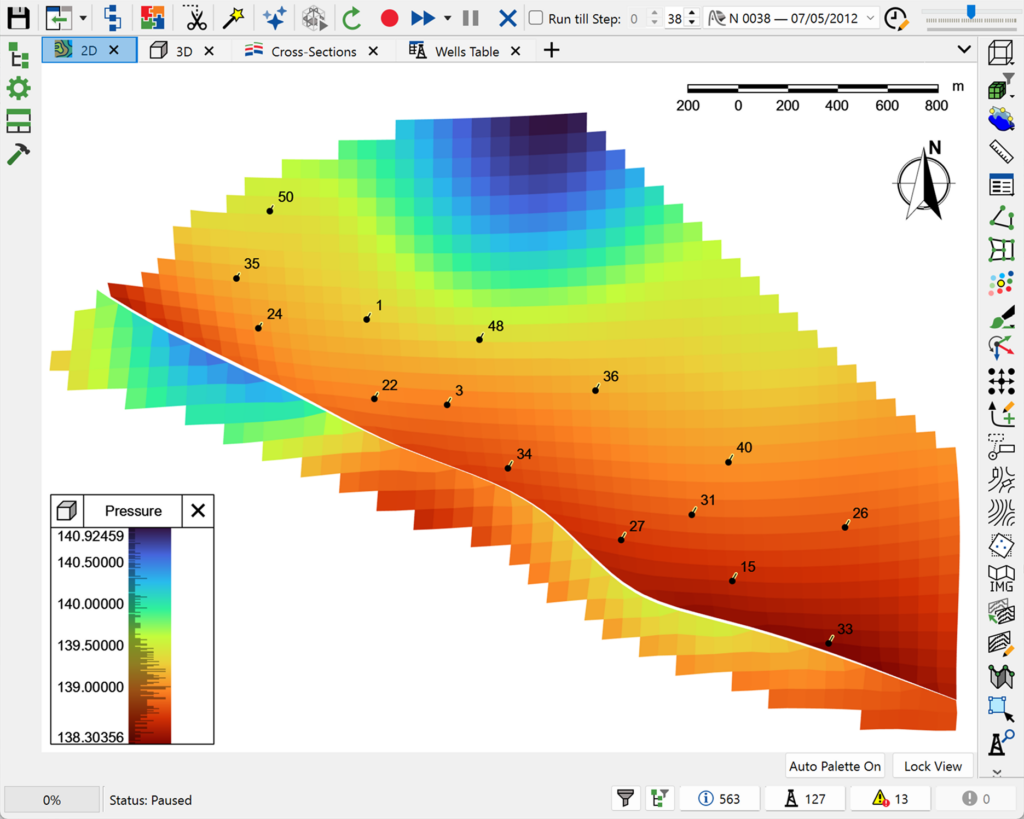
Production Designer supports a full range of model-integration workflows:

  • Multi-model integration – combine Material Balance Analyser, Model Designer and Network Designer projects, plus external .DATA simulation models, within a single PD model.
  • Surface network linking – establish well connections between different models and link them to one or more surface network projects.
  • Flexible well mapping – link wells across projects even when well names differ, with automatic mapping when names match — and edit mappings in tabular form, including copy-and-paste straight from a spreadsheet.
  • Unified timestep & strategy management – add timesteps and a development strategy for the overall integrated model, selecting and synchronising multiple strategies from multiple input models in one step.
  • Automatic non-integrated well shut-in – automatically shut in wells with no link between projects, keeping the integrated model consistent.
  • Job queue management – queue integrated model calculations on local machines or a cluster, and monitor progress from a dedicated Jobs tab.
  • Integrated results visualisation – visualise integrated model calculation parameters directly on a dedicated Graphs tab.
  • Export & calculation – export a unified integrated model, with the option to run calculations and view and analyse results directly in tNavigator.

Production Designer is fully integrated within the tNavigator platform:

  • Combine Material Balance Analyser, Model Designer and Network Designer projects natively, plus external simulation models via .DATA import
  • Managed by a surface network, connecting subsurface, well and facility models into one development plan
  • Supports Reservoir Coupling models for master-slave style multi-reservoir integration

One integrated project for teams building field-scale developments from multiple models and tools.

Common use cases:

  • Combining models from different teams, vintages or tools into one field development project
  • Linking legacy or third-party (.DATA) simulation models into a current integrated workflow
  • Managing brownfield developments built up from many historical, disconnected models
  • Coordinating timesteps and development strategy across multiple input models
  • Running and monitoring large integrated calculations from a single job queue