Skip to content

Model Designer

Reservoir Modelling & Field Development Planning

Model Designer connects reservoir model building, updating and field development planning in one integrated tNavigator workflow

Streamline Reservoir Modelling, Analysis and Field Development Planning

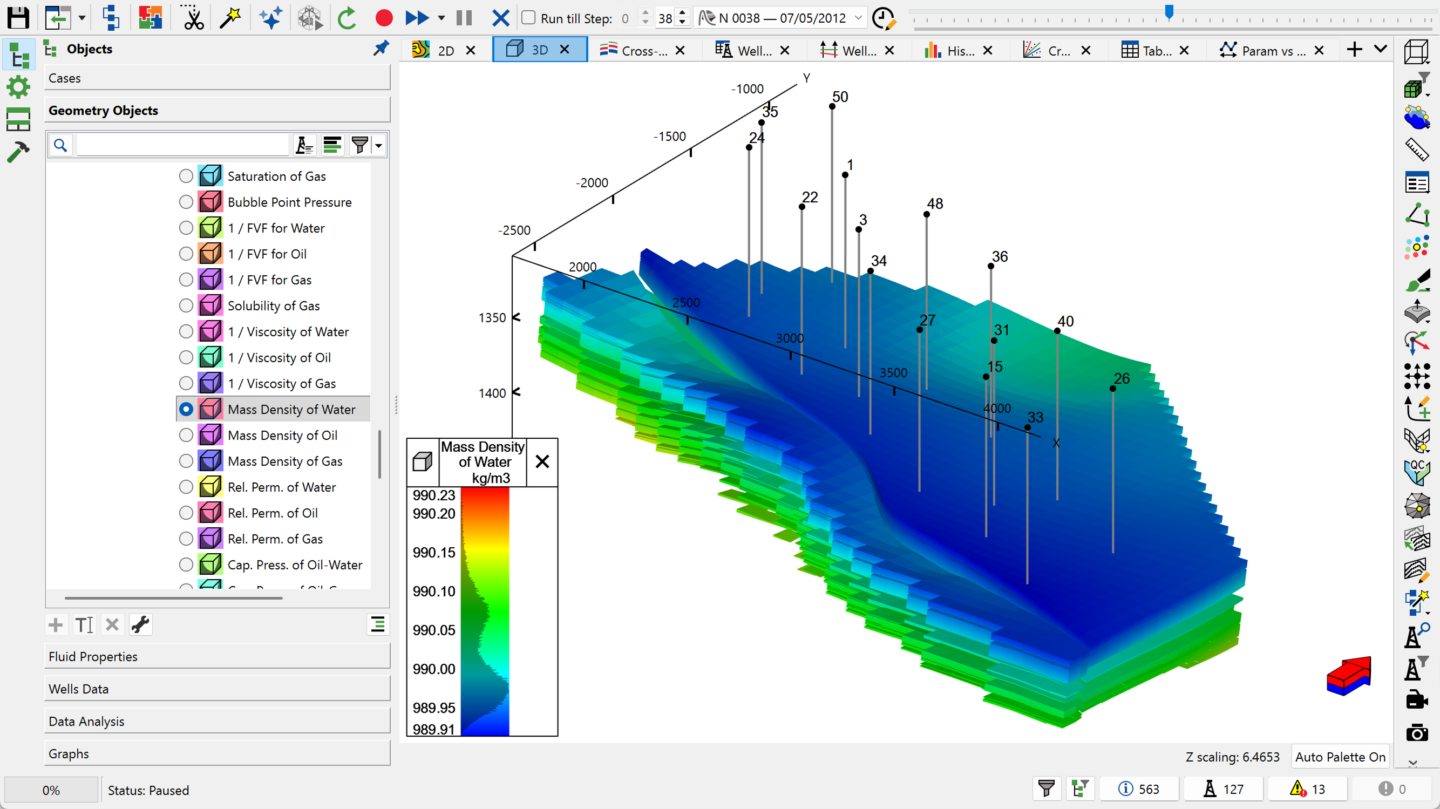
tNavigator’s Model Designer is reservoir modelling software that brings model building, analysis and field development planning into one fully integrated environment. Reservoir engineers can build, update and analyse dynamic models efficiently – supporting faster decisions and stronger reservoir performance.

One Workflow, Not a Patchwork of Tools

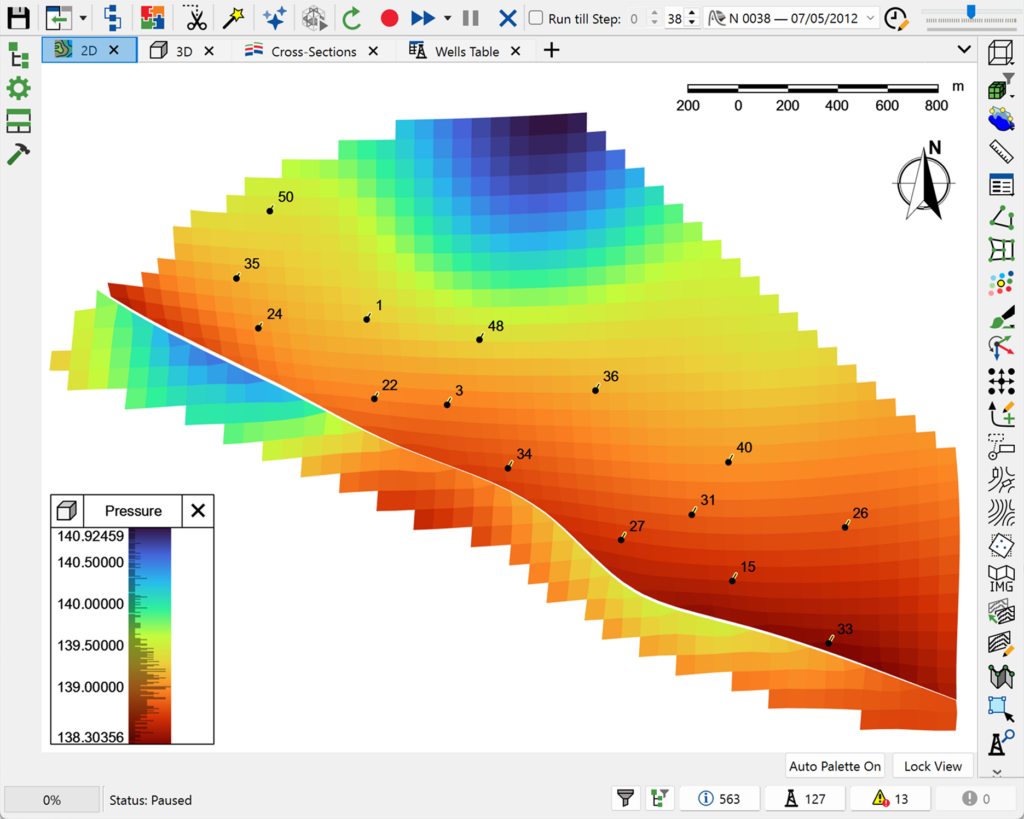
Model Designer provides a unified interface for pre-processing, post-processing and model analysis, removing the need for multiple disconnected applications. Manage well events, run property calculations, analyse production history and test development strategies – all within a single workflow.


All-in-One Modelling Environment

Combine model building, analysis and evaluation in a single platform, cutting manual data handling and improving workflow efficiency.

Field Development Planning

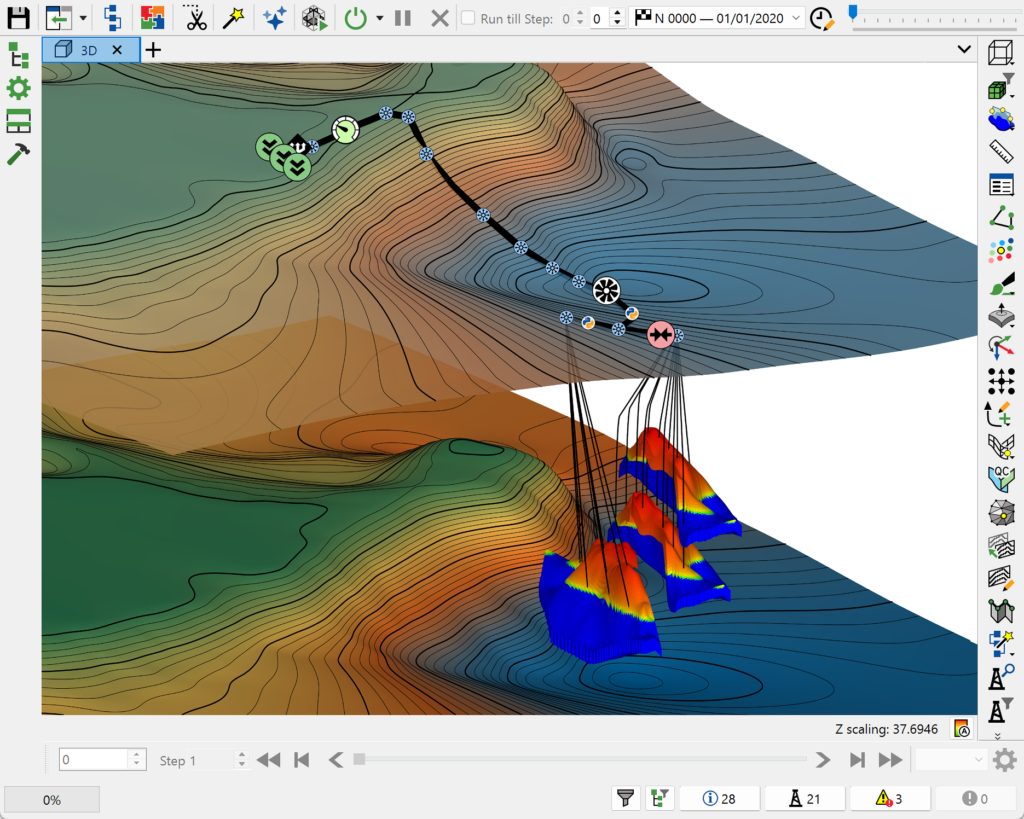
Test development strategies, optimise well placement and evaluate production scenarios using flexible, automated workflows.

Integrated Uncertainty & History Matching

Connect directly with Assisted History Matching and Uncertainty tools to calibrate models against production data and assess forecast confidence.
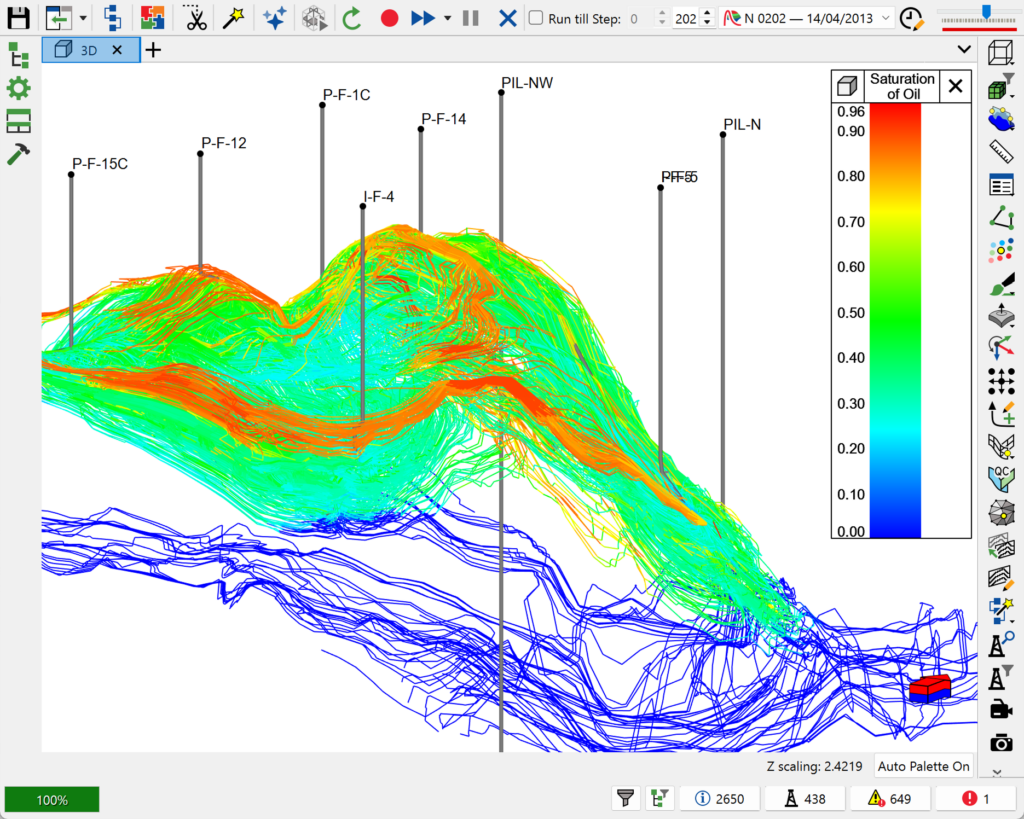

Model Designer supports a wide range of reservoir engineering workflows:

  • Pre- and post-processing tools – prepare input data and analyse simulation results within one interface.
  • Well event management – define and update well schedules, constraints and operational rules.
  • Production history analysis – evaluate historical performance to inform model calibration.
  • Property calculations – perform fluid and reservoir property calculations efficiently.
  • Model updating & optimisation – quickly iterate models to test scenarios and development strategies.
  • Data compatibility – import and work with multiple industry-standard data formats.
  • Automated workflows – use Python scripting to streamline repetitive tasks and improve consistency.

Seamlessly Integrated with Simulation and Uncertainty Workflows

Model Designer is fully integrated with the wider tNavigator platform, so teams can:

  • Transfer models directly into reservoir simulation workflows.
  • Connect with AHM & Uncertainty for calibration and optimisation.
  • Maintain consistency across geological, reservoir and production domains.

The result is one continuous workflow – from model creation through to forecasting.

What’s New in Model Designer?

  • Rapid production forecasting – create Decline Curve Analysis directly inside Model Designer or Material Balance Analyser, using historical data or calculation results, for a quick physics-based well production forecast.
  • Deeper Reservoir Performance integration – export bottom-hole pressure data to a Reservoir Performance project for full Rate Transient Analysis, or generate a  project straight from average simulation well rates.
  • Richer aquifer modelling – connect aquifers to fault edges by property, edit geometry in tabular form, control backflow/influx for gas-bearing horizon aquifers, and use influence function tables for Carter-Tracy aquifers.
  • Geomechanical coupling inputs – set overburden stress, tectonic stress and Biot modulus vs. rock stress directly in fluid properties, alongside coal bed methane (Palmer-Mansoori) porosity and pressure settings.
  • DFN mapping – match discrete fracture network (DFN) attributes when configuring EDFM model variants.
  • Expanded Python workflow automation – read model mapping, timesteps, strategies and rules directly in custom code, for deeper automation of dynamic model workflows.