Skip to content

Petrophysics

Well Log & Core Analysis

Interpret well logs and core data, build mineral component models and apply ML-assisted log prediction — fully integrated with geological modelling.

Turn Well Log and Core Data into Reliable Reservoir Properties

tNavigator’s Petrophysics module is well log and core analysis software for interpreting well log data and core analysis results. It brings log QC, core-to-log integration, petrophysical calculations and mineral component modelling into one environment — fully integrated with Geology Designer, Model Designer and Seismic for a seamless workflow from raw well data to a simulation-ready 3D model.

One Environment, From Raw Logs to Reservoir Properties

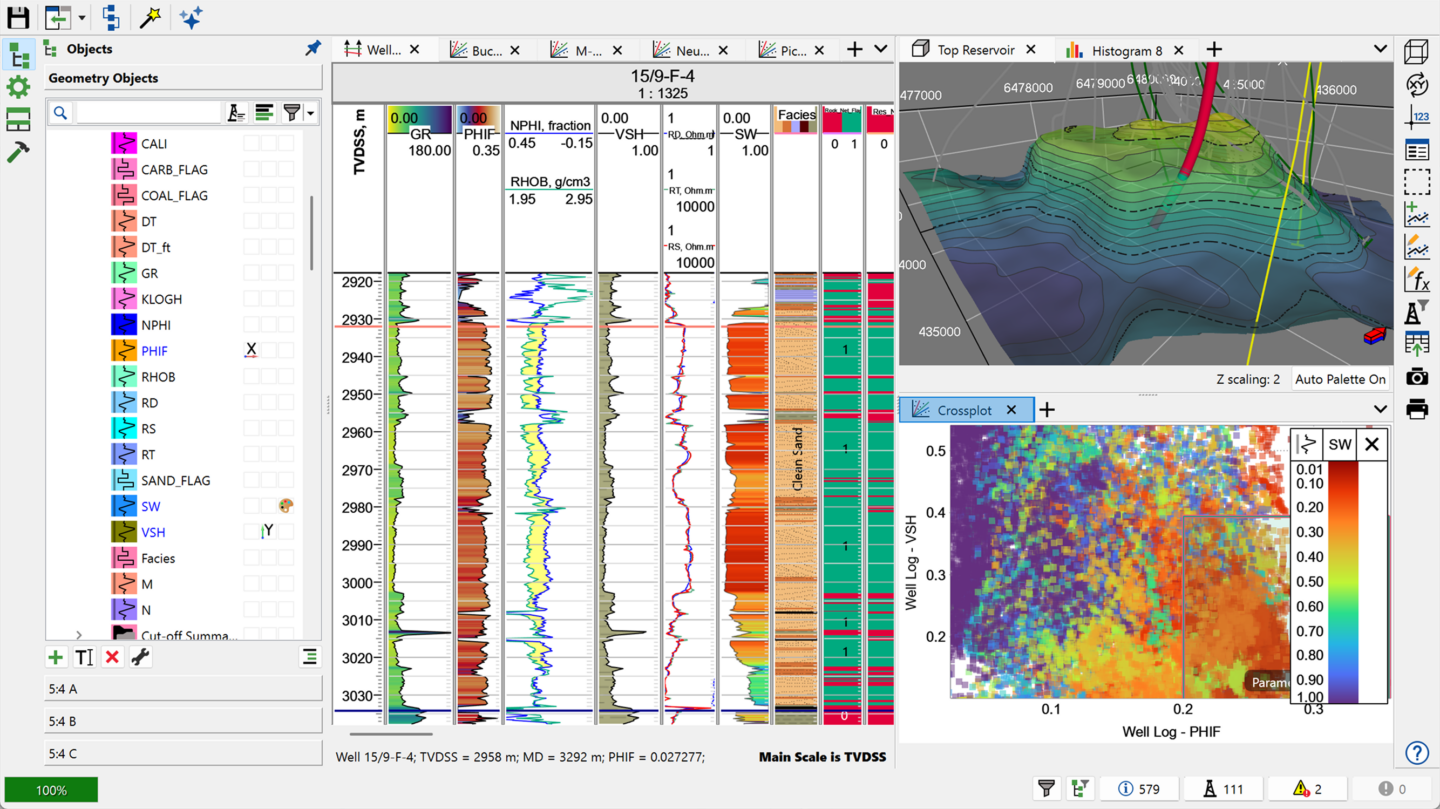
Petrophysics replaces a chain of separate QC, crossplot and calculation tools with a single interpretation environment. Load logs, core images and core analysis data, quality-control and edit them interactively, then move straight into quantitative petrophysical evaluation – porosity, saturation, permeability and lithology – without leaving the module.


A Single, Consistent Interpretation Environment

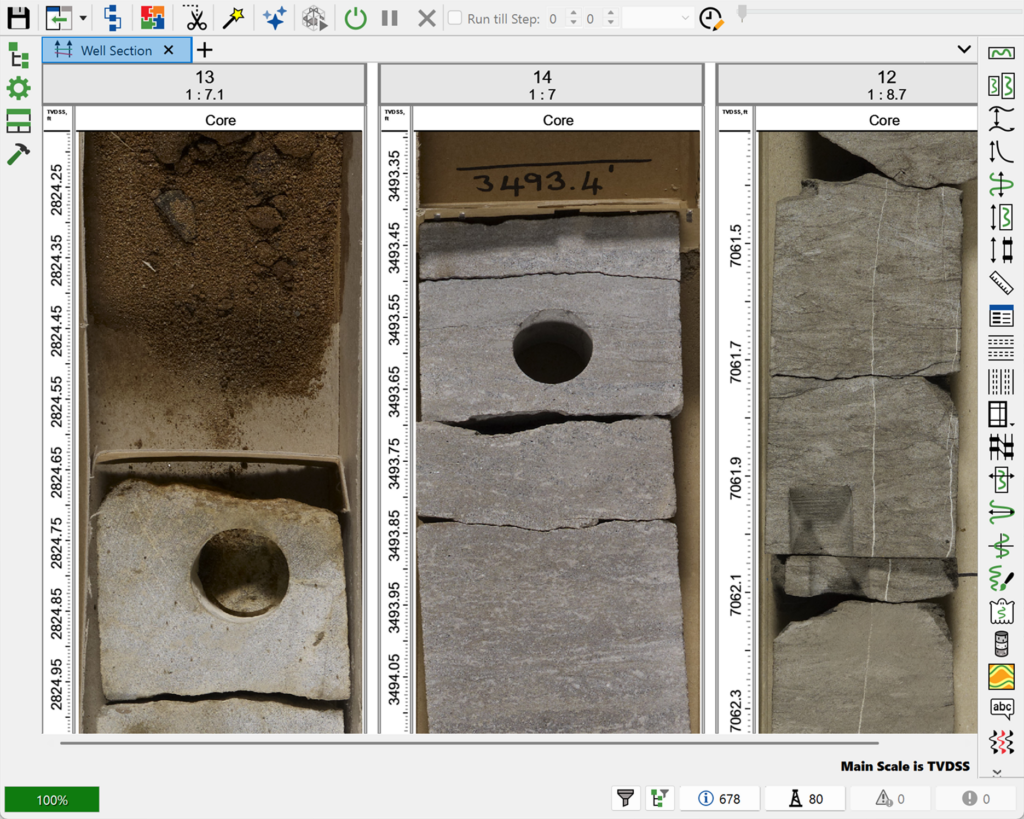
Work with logs, core images and core analysis results side by side, so QC decisions, depth matching and interpretation stay consistent across every well in the project.

Machine Learning Where It Helps Most

Use ML techniques to reconstruct missing log intervals, forecast permeability and saturation profiles, and automatically cluster wells into facies – reducing manual interpretation time on large well sets.

Built for Complex Reservoirs

Multi-mineral component modelling and a wide choice of saturation and porosity methods make Petrophysics equally suited to straightforward clastic sequences and complex polymictic or carbonate reservoirs.
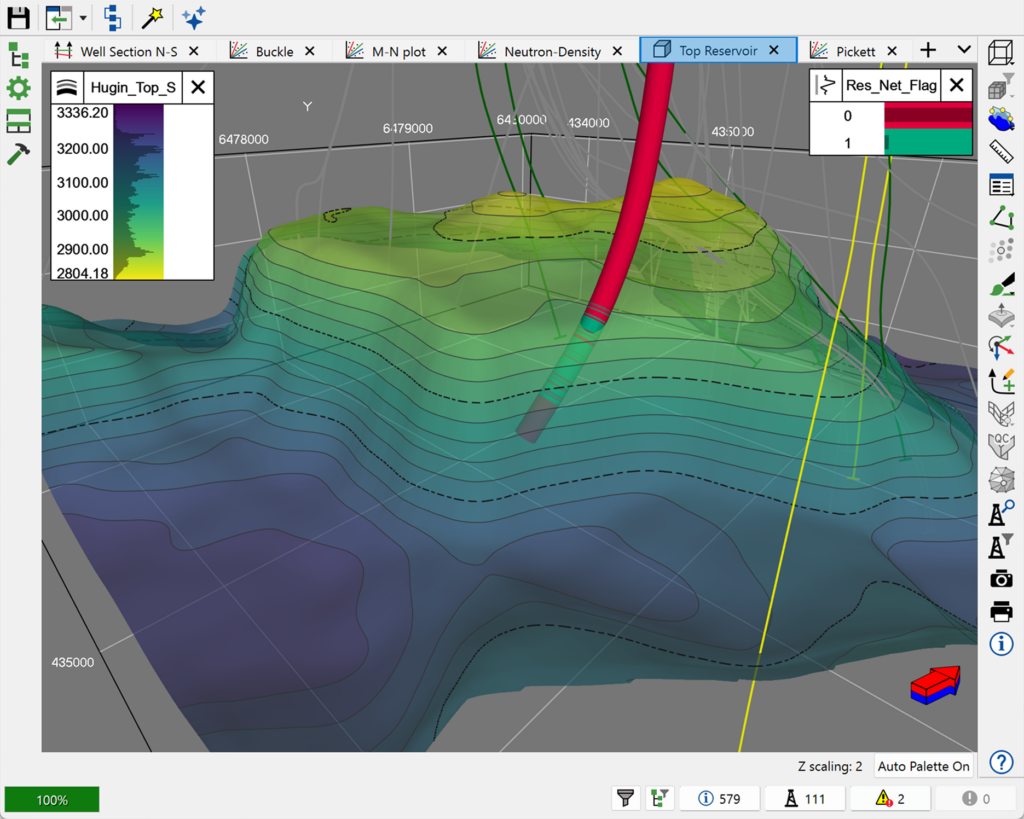
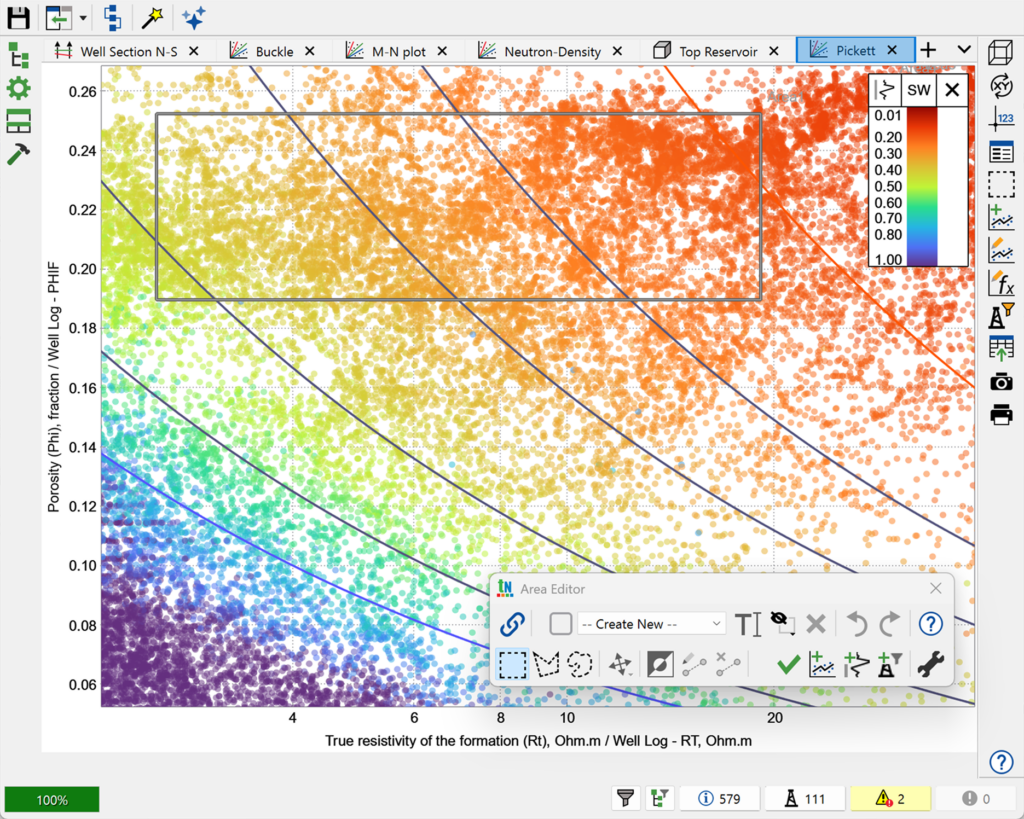
Petrophysics supports a full range of well log and core interpretation workflows:

  • Data import & QC – import logs, log interpretation results, borehole images, core sample images and routine/special core analysis data, with histograms, crossplots and statistics tables for quality control.
  • Well Section visualisation & editing – visualise and interactively edit well log and core data on the Well Section, including well correlation.
  • Log & core integration – bring well logs, core images and core analysis results together in one consistent dataset.
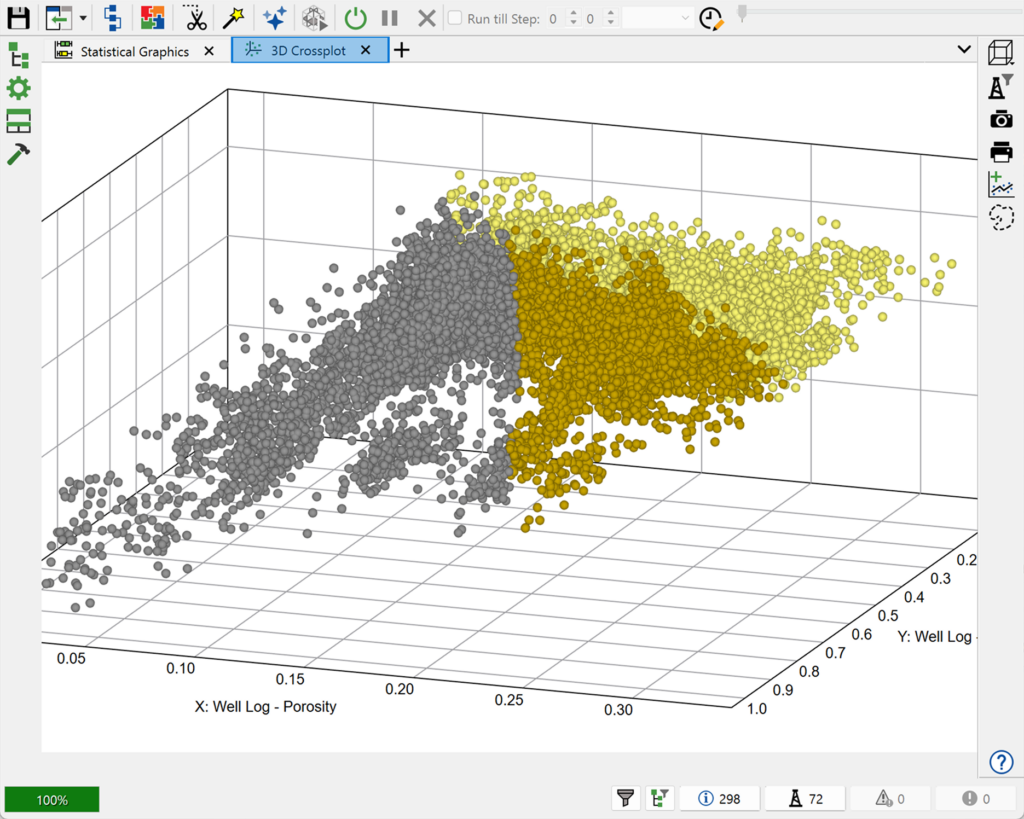
  • Crossplot analysis – derive log-log, core-log and core-core relationships using Crossplot and 3D Crossplot analysis.
  • Well log calculations – create and transform well logs, and determine porosity, shale volume, water saturation and permeability using multiple industry methods — including Archie-Dakhnov, Indonesian and Simandoux saturation equations, and density, sonic and neutron porosity methods.
  • Reservoir identification & fluid typing – automatically classify reservoir and productive intervals, and generate shale volume, porosity and saturation logs from selected cutoffs (Cut-Off Summaries).
  • Mineral component modelling – build multi-mineral (multi-component) models of the formation, suited to complex polymictic and carbonate reservoirs.
  • Borehole image interpretation – import and interpret borehole images alongside conventional log and core data.
  • Machine learning-assisted interpretation – apply machine learning for synthetic log prediction, property forecasting (including permeability and saturation profiles) and automated facies clustering.

Production Designer is fully integrated within the tNavigator platform

  • Combine Material Balance Analyser, Model Designer and Network Designer projects natively, plus external simulation models via .DATA import
  • Managed by a surface network, connecting subsurface, well and facility models into one development plan
  • Supports Reservoir Coupling models for master-slave style multi-reservoir integration

One integrated project for teams building field-scale developments from multiple models and tools

Common Use Cases:

  • Combining models from different teams, vintages or tools into one field development project
  • Linking legacy or third-party (.DATA) simulation models into a current integrated workflow
  • Managing brownfield developments built up from many historical, disconnected models
  • Coordinating timesteps and development strategy across multiple input models
  • Running and monitoring large integrated calculations from a single job queue